Drivers, technicians and contacts
Who: Admin, Manager, Shop, Safety.
- Open Maintenance > Contacts and select New contact.
- Enter the name and role (Driver, Technician, Dispatcher...). Tick Operator for drivers and Technician for people who log labor.
- For drivers add license number, class, state and expiry, medical card expiry and endorsements.
- Save.
Assign a driver to a vehicle #
Open the vehicle and use Check an assignment first: it warns if the driver's license class does not fit, their medical card has expired, or the vehicle is out of service or reserved. Then add the assignment (Maintenance > Vehicle assignments or the vehicle's tab).
Driver qualification files #
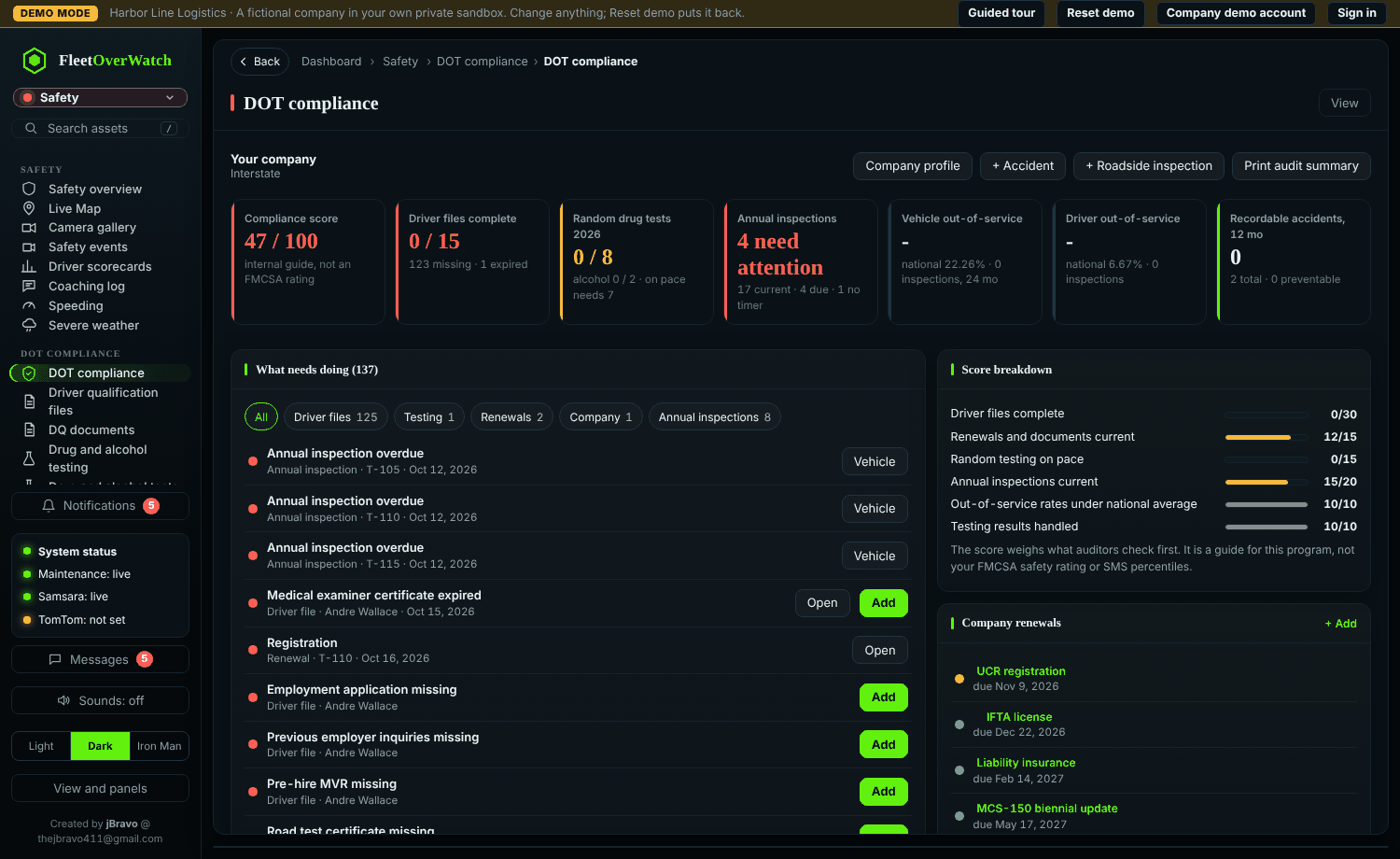
Safety > DOT compliance keeps each driver's documents (application, MVRs, medical certificate, drug tests, road test) with expiry dates; renewals coming due appear on the dashboard and in workflow rules.
Something here out of date or unclear? Tell your administrator and mention “people” and version 4.9.2.