Reporting defects and tracking issues
An issue is a problem with a vehicle: reported by a driver, found in an inspection, raised by an engine fault or entered by the shop.
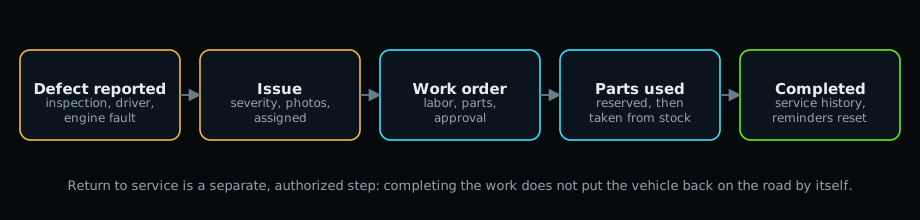
Report a defect #
- Open the vehicle and select Report issue (or Maintenance > Issues > New issue).
- Write a short summary and a description of what is wrong.
- Choose the priority and severity. Critical (out of service) means the unit must not be used until fixed.
- Pick the category (brakes, tires, lights...).
- Save, then add photos or documents on the Files tab and notes on Comments.
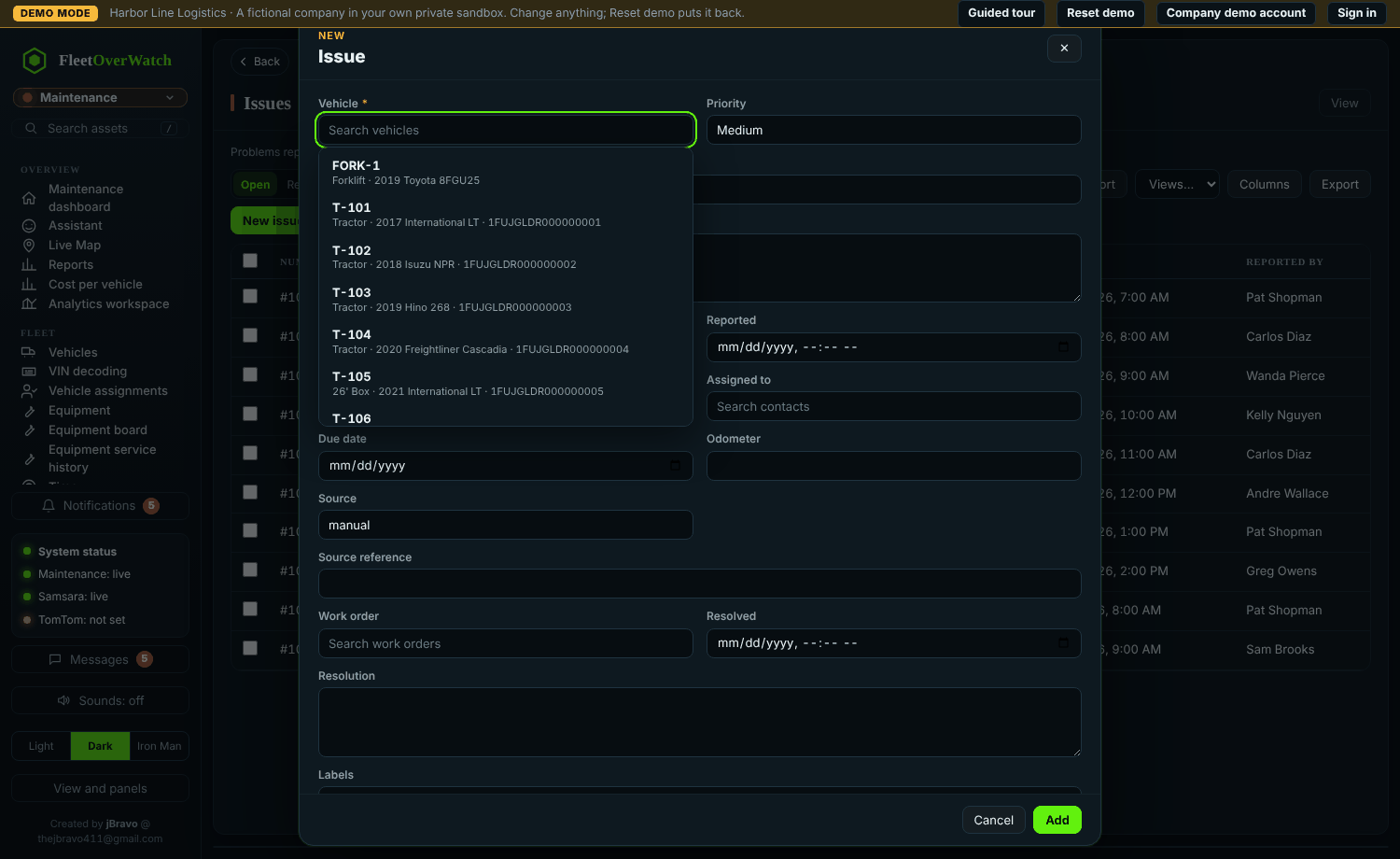
Expected result: the issue appears in Maintenance > Issues and, if critical, in the dashboard's Needs attention list; workflow rules may notify the shop.
Track it #
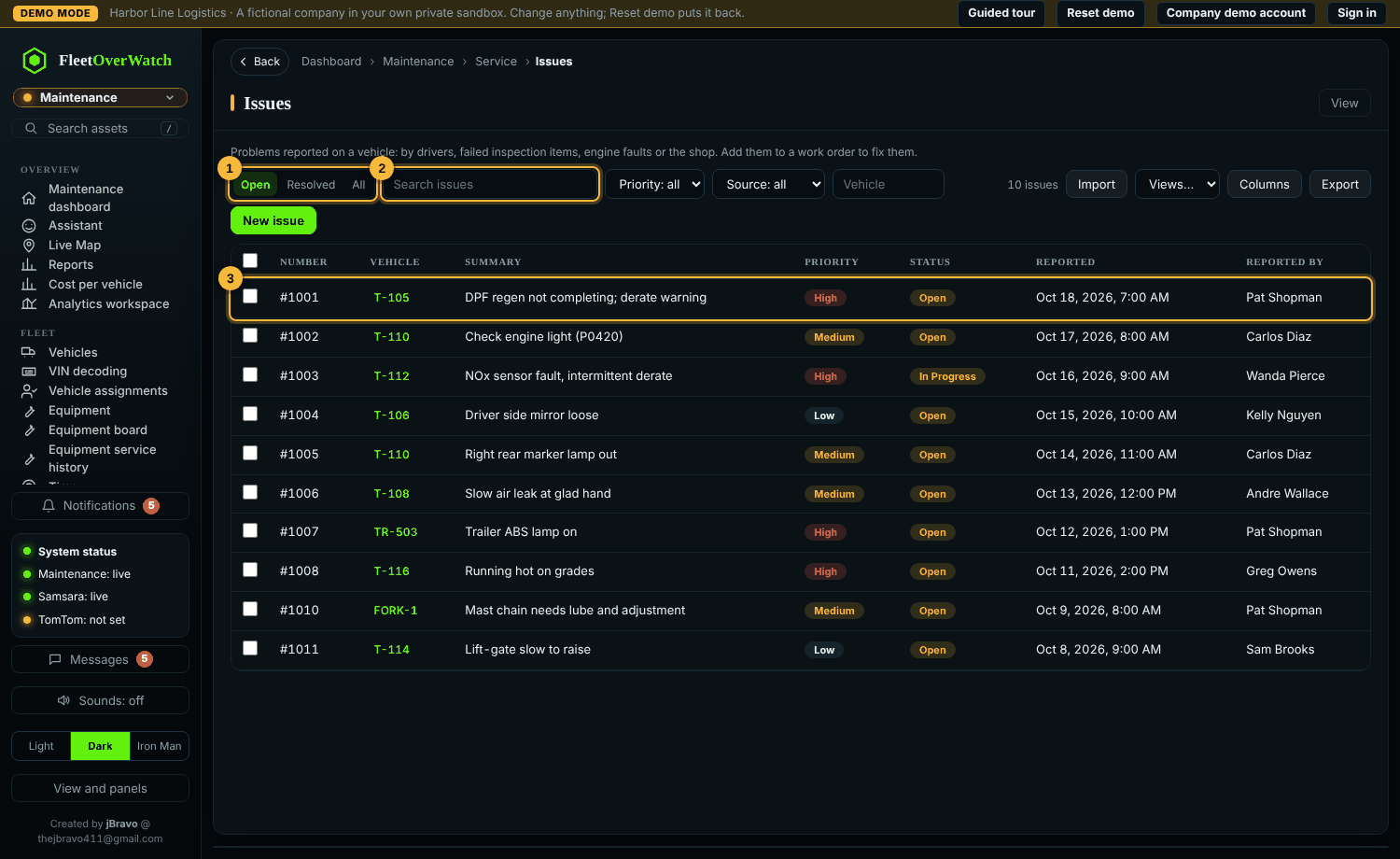
Open the issue to assign it, set a due date, or create a work order from it. When the work order is completed the issue is resolved automatically.
Warning: do not close an issue without a repair or a note that explains why. The history is part of the vehicle's record.
If this does not work #
- The vehicle is not in the list: it may be archived; ask the shop lead.
- Files will not upload: only pictures (JPEG, PNG, WebP), PDF and Office documents are accepted, and files with macros are refused.
Something here out of date or unclear? Tell your administrator and mention “issues” and version 4.9.2.