Delivery orders, proof of delivery and returns
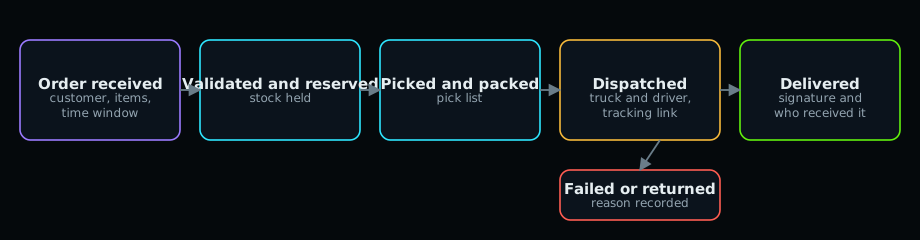
Create and fulfil an order #
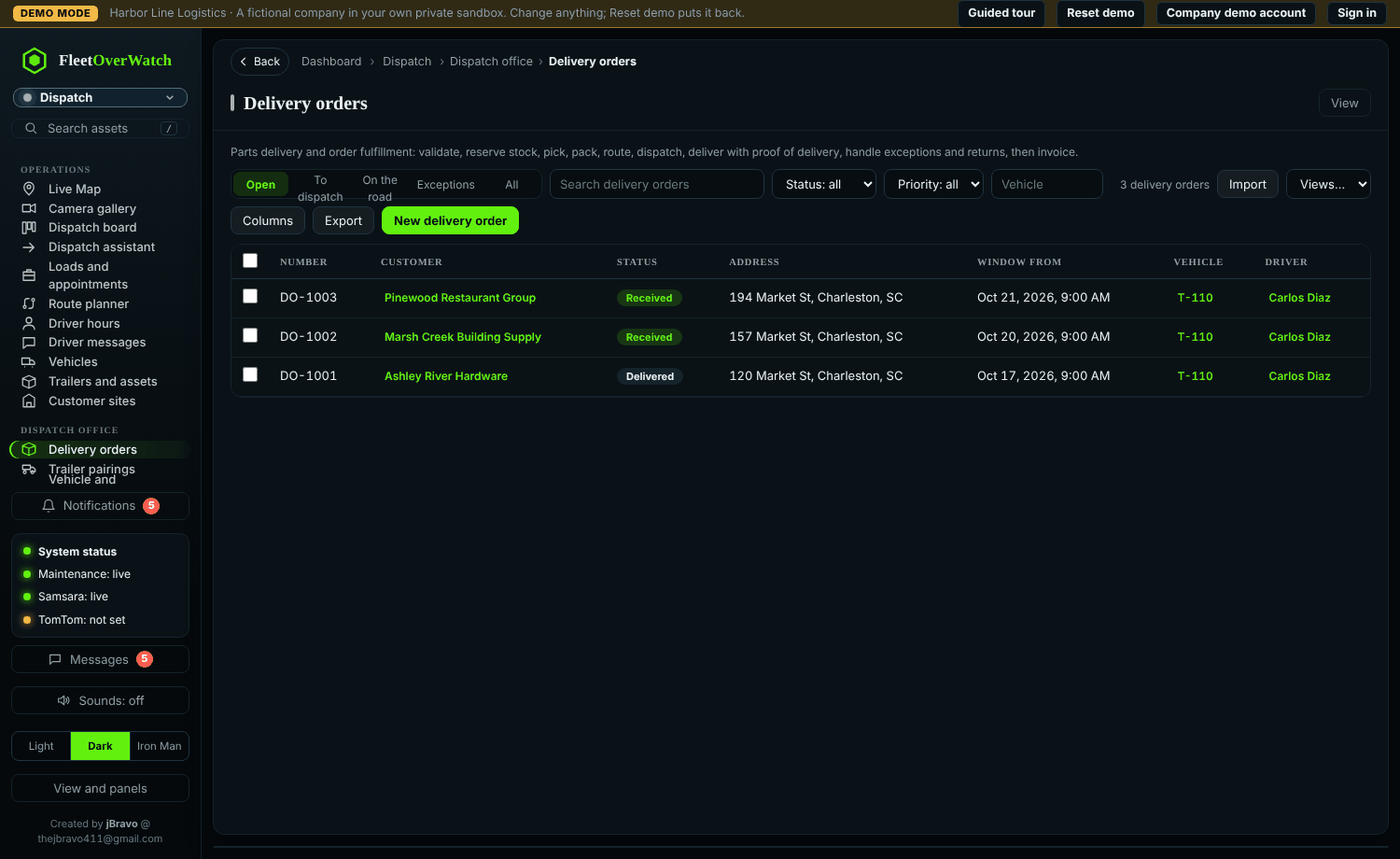
- Dispatch > Delivery orders > New: customer, destination, time window and the items.
- Move it through the steps: Validated checks the items and address; Reserved holds the stock; Picking / Picked / Packed (print the Pick list); Routed and Dispatched with the truck and driver.
- At delivery, select Record delivery (POD): who received it and their signature. The order becomes Delivered. Stock leaves inventory at this point.
Tracking link #
Each order has a private tracking link (track.php?t=...); Copy tracking link puts it on the clipboard to send the customer. It shows only that order's status, time window and delivery time.
Failed deliveries and returns #
Set Failed with the reason (customer closed, refused, wrong address, damaged, no access). Returned items go back into stock when you record the return.
Something here out of date or unclear? Tell your administrator and mention “delivery” and version 4.9.2.