My view, the advanced view and phones
My view (basic) #
Each section opens on My view: only the information you chose, each shown the way you want it. The menu shows the section's main pages.
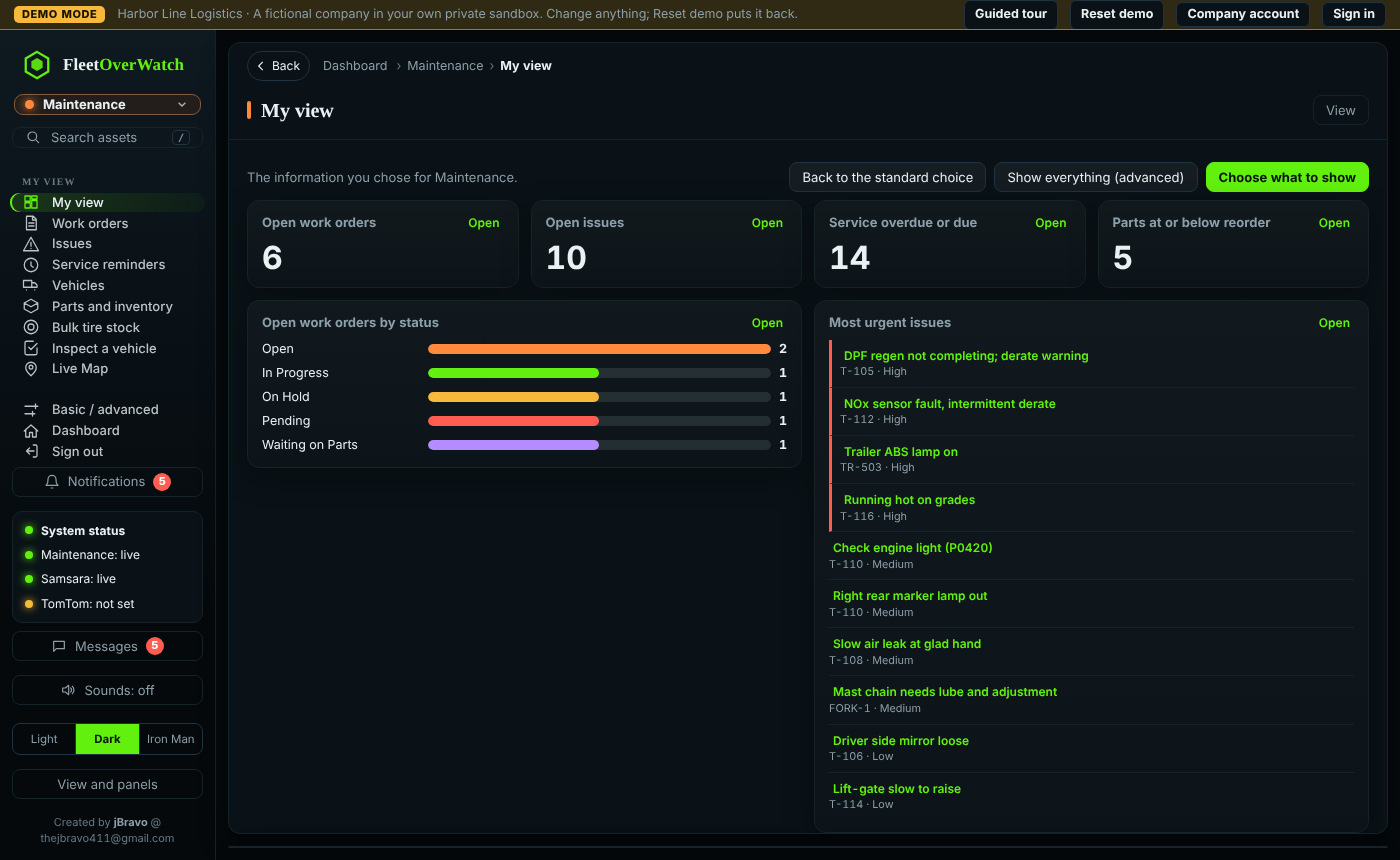
Choose what to show lists everything this section can show (only what your sign-in may see). For each one:
- tick it to show it;
- choose Show as: number tile, bar chart, donut, line chart, list or table (what fits depends on the information);
- choose the size: small, medium or wide;
- use the arrows to change the order.
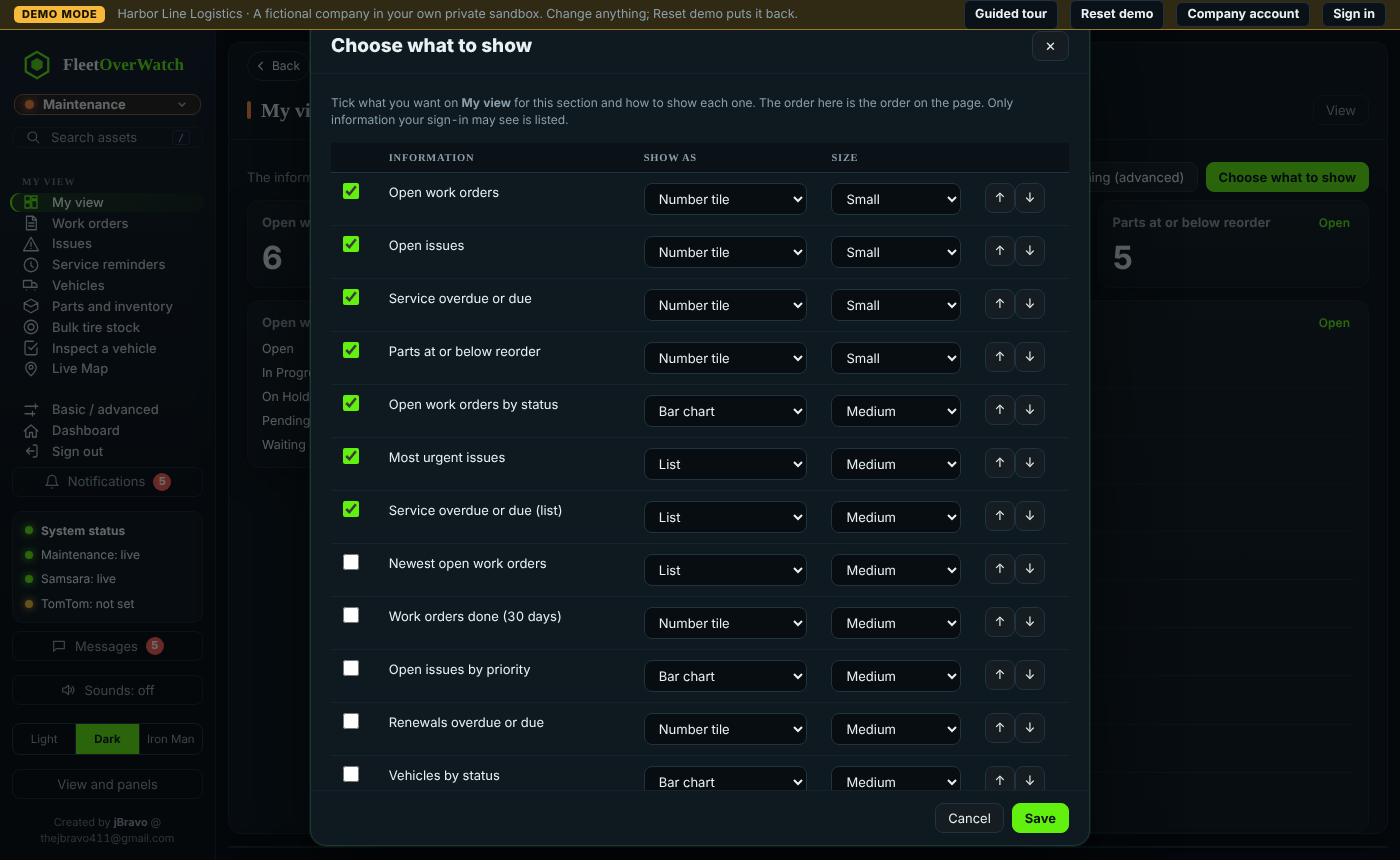
Save keeps your choice for this section and your sign-in, on every computer. Back to the standard choice starts over. Select Open on a tile to go to its full list; select a line in a list to open that record.
Advanced #
The Basic | Advanced switch under the section name in the menu changes the view in one click: Advanced shows the section's full menu, every page of that department; Basic goes back to My view and the main pages. Alt+B does the same from the keyboard. On a phone the switch is at the top of the menu (☰), above the list of sections (4.5.11). The page you are on stays open when it is in both views. The browser remembers which one you use, per section.
On a phone #
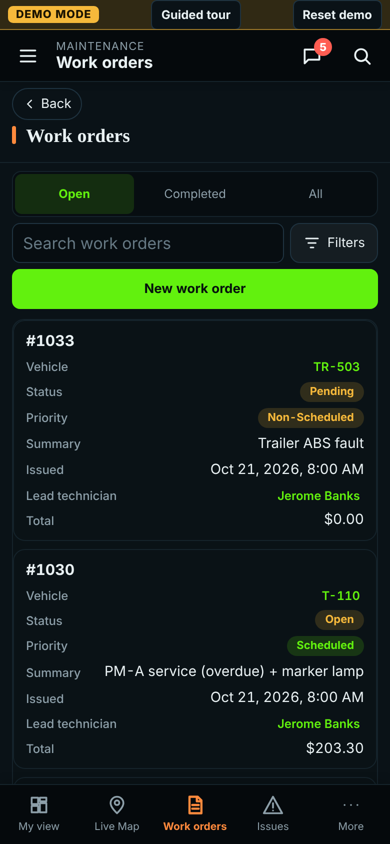
On a phone the same pages are laid out for one hand:
- the top bar has the menu button (the full menu slides in), the section name, Messages and Search;
- the bottom bar has My view, the map and the section's main pages, plus More for the full menu;
- the top bar shows the page you are on and its section;
- lists show one card per record instead of a wide table (empty fields are left out); the search box, quick filters and New stay at the top, and Filters opens the other filters and buttons;
- records, forms and dialogs fill the screen;
- alerts appear one at a time under the top bar (with +N when more are waiting); the bell in the top bar shows how many are new and opens the full list, with Open the alerts page at the bottom.
Add the site to the phone's home screen (browser menu > Add to Home screen) to open it like an app.
Something here out of date or unclear? Tell your administrator and mention “my-view” and version 4.9.2.