Workflow rules and notifications
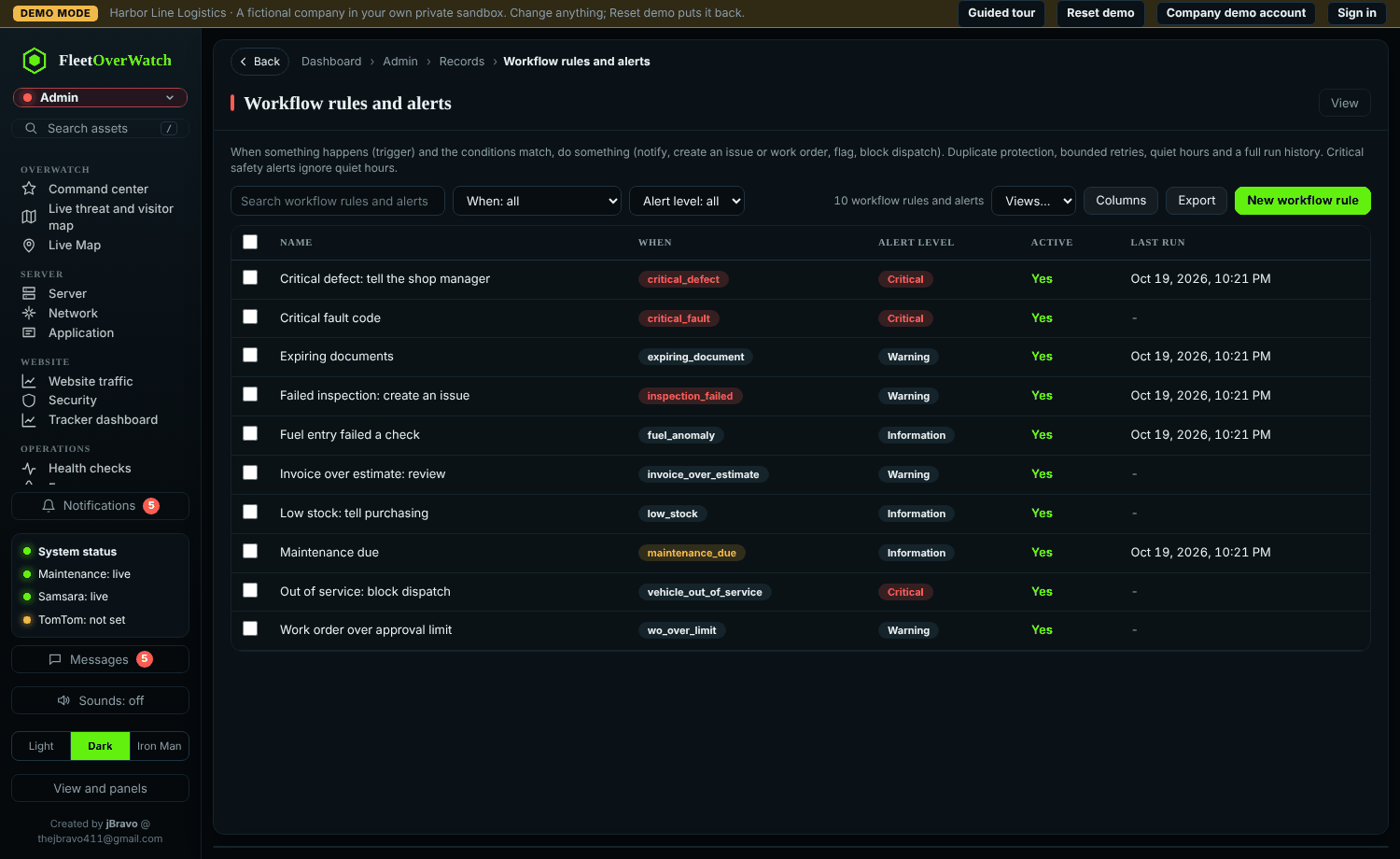
A rule has a trigger (for example maintenance due, critical defect, failed inspection, critical fault code, fuel entry failed a check, document expiring, work order late), optional conditions, and actions:
| Action | Does |
|---|---|
| Notify | adds a notification for the chosen people or roles |
| sends an email (needs alert delivery set up) | |
| Create issue / Create work order | opens the record automatically |
| Set status / Block dispatch | for example marks a vehicle Out of Service |
| Webhook | sends the event to an outgoing webhook |
Rules can have quiet hours (except critical ones), avoid repeating the same alert, and escalate if nobody acts. Ten example rules are installed and switched on (for example maintenance due, critical defect, failed inspection, critical fault code, fuel entry failed a check). Review them in Admin > Workflow rules and switch off or change any you do not want; Test on a record… shows what a rule would do without doing it.
Something here out of date or unclear? Tell your administrator and mention “notifications-rules” and version 4.9.2.