Preventive maintenance, reminders and service history
How it fits together #
- Service tasks: the jobs (PM-A service, annual DOT inspection...) with labor hours and parts.
- Service programs: tasks with intervals applied to vehicle types (for example PM-A every 15,000 miles or 90 days).
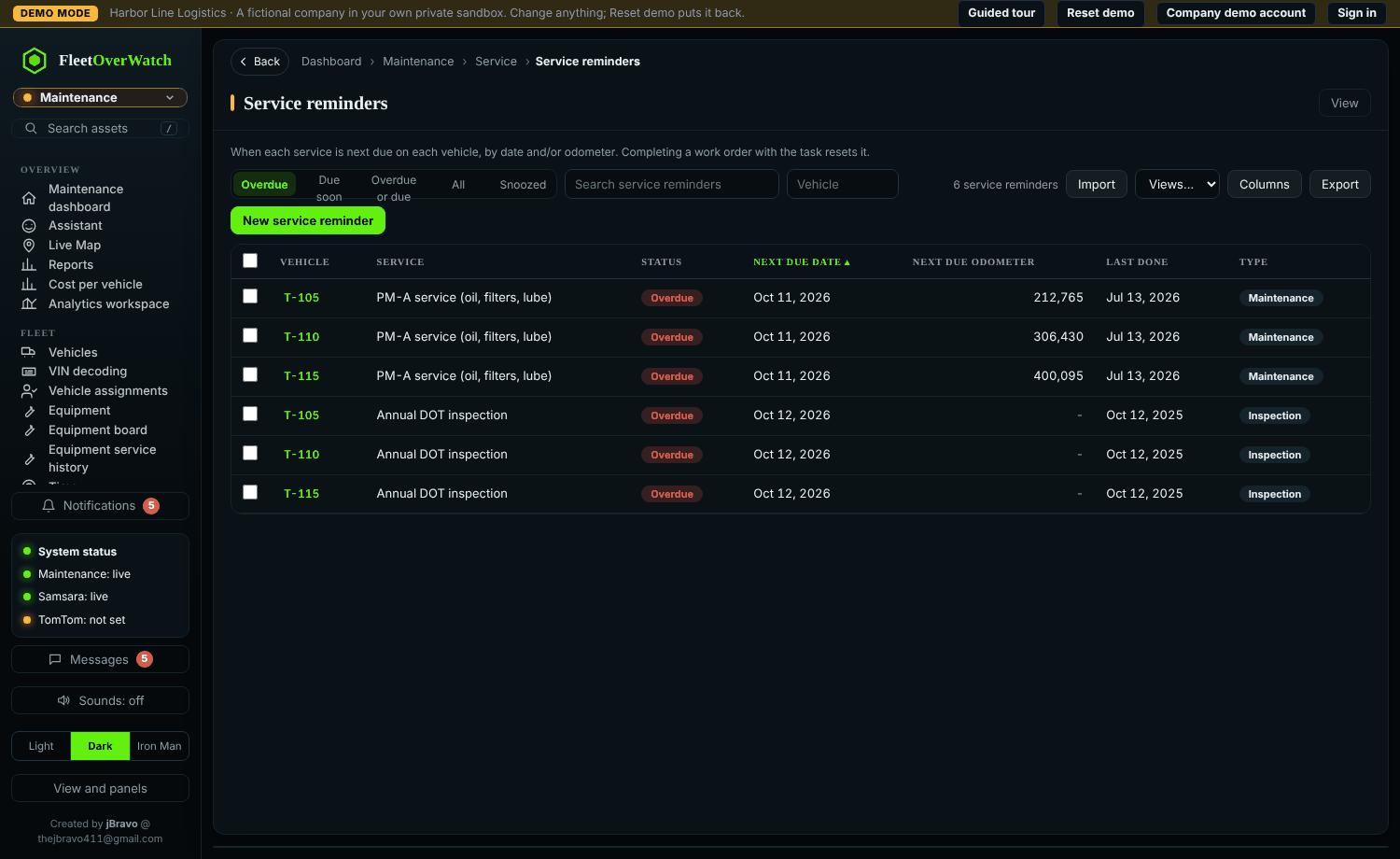
- Service reminders: one per vehicle and task, counting miles (from telematics and readings), engine hours and days. States: up to date, due soon, overdue.
- Service history: written when a work order is completed; it resets the reminders of its tasks.
Set up a schedule #
- Maintenance > Service tasks: create the tasks.
- Maintenance > Service programs: New, add tasks with their intervals and the vehicle types; Save. Reminders are created for every matching vehicle.
- Check Maintenance > Service reminders; adjust last-done dates for vehicles serviced recently.
When something is due #
Create a work order for it (New work order or Preset service on the vehicle profile, or From preset on the work orders list). A workflow rule can create the work order automatically (auto work order on the reminder) and notify the people listed.
If this does not work #
- Mileage reminders never come due: the vehicle has no odometer updates; check telematics matching or add meter readings.
Something here out of date or unclear? Tell your administrator and mention “maintenance” and version 4.9.2.