Fleet intelligence platform · version 4.9.2
ONE FLEET.
ONE COMMAND CENTER.
TOTAL VISIBILITY.
Fleet Overwatch brings fleet maintenance, vehicle intelligence, work orders, parts inventory, and operational monitoring together in one centralized platform. Make better decisions, reduce downtime, and keep your fleet moving.
Your own hosted copy with your team, your logo and your trucks. Already have an account? Sign in. The demo needs no sign-up. See the prices.
Platform features
Everything the fleet runs on, in one place
Each card opens the matching screen in the interactive demo.
Fleet monitoring
Every truck, trailer and piece of equipment on one live map with status, driver, hours, location and engine health, updated from telematics every few seconds.
See it in the demo →Maintenance management
Service programs and reminders by miles, engine hours or days. Overdue and due-soon units are flagged before they become breakdowns.
See it in the demo →Work orders
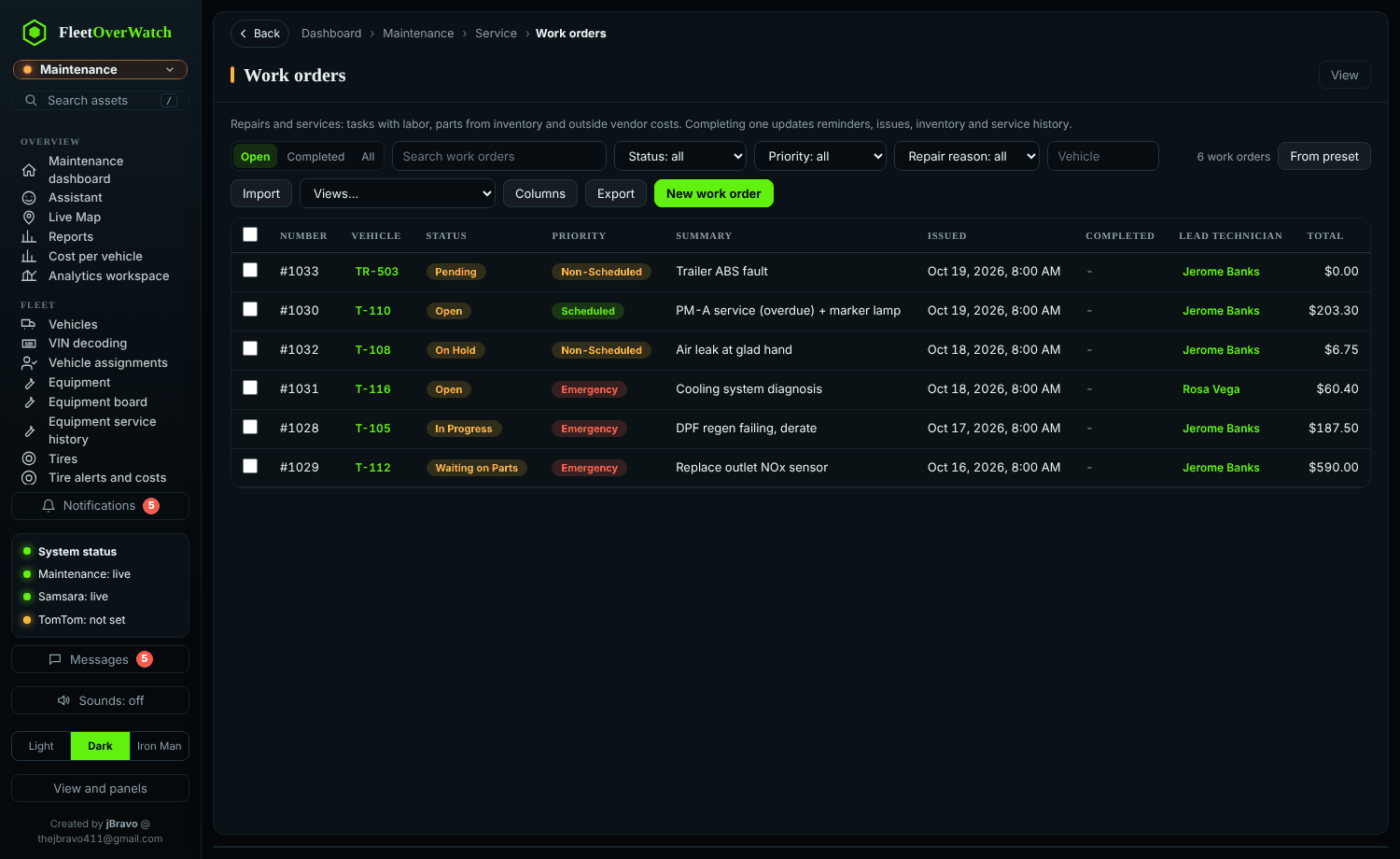
Create, assign and track repairs with labor, parts, approvals, quality check and return to service, from the first complaint to the final cost.
See it in the demo →Parts and inventory
Stock by location and bin, reservations for repairs, transfers, cycle counts, reorder points, requisitions, purchase orders and receiving.
See it in the demo →Vehicle intelligence
VIN decoding, specifications, component records, engine fault codes explained from a code library, tire positions and the full service timeline.
See it in the demo →Tracking and maps
Route planning with truck-aware drive times, dispatch ranking by distance and hours left, geofences, trip history and a camera gallery.
See it in the demo →Issues and defects
Driver inspections and reported defects with severity, photos and notes, linked to the work order that fixes them, with the full history kept.
See it in the demo →Reports and analytics
Maintenance and fuel costs, cost per mile, availability and overdue service, plus an explorer to build your own analysis and export it to Excel or PDF.
See it in the demo →Integrations
Live positions, engine data and inspections from Samsara; optional sync from Fleetio; local NHTSA VIN data; imports, exports and webhooks for your other systems.
See it in the demo →Dashboard preview
The whole operation at a glance
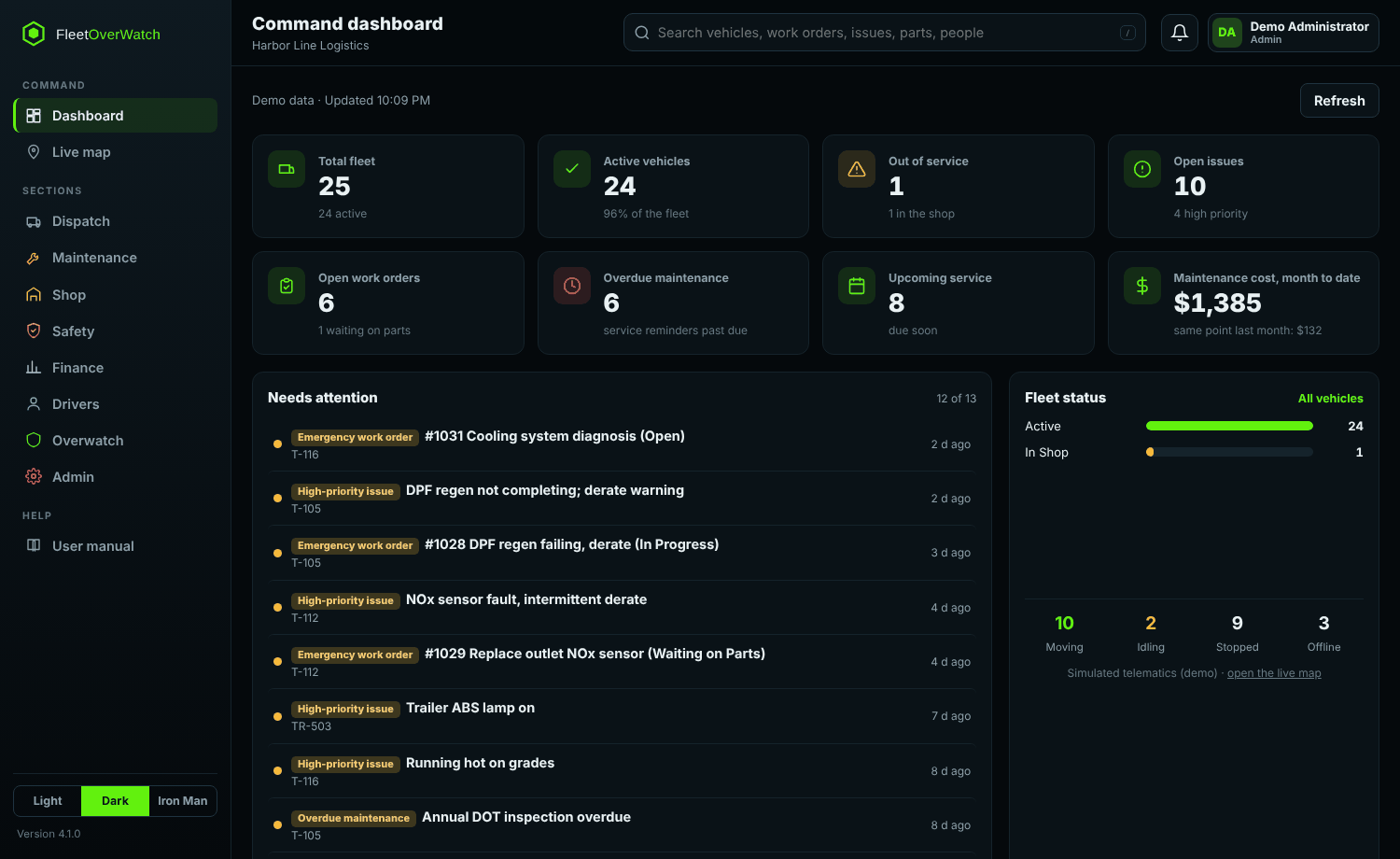
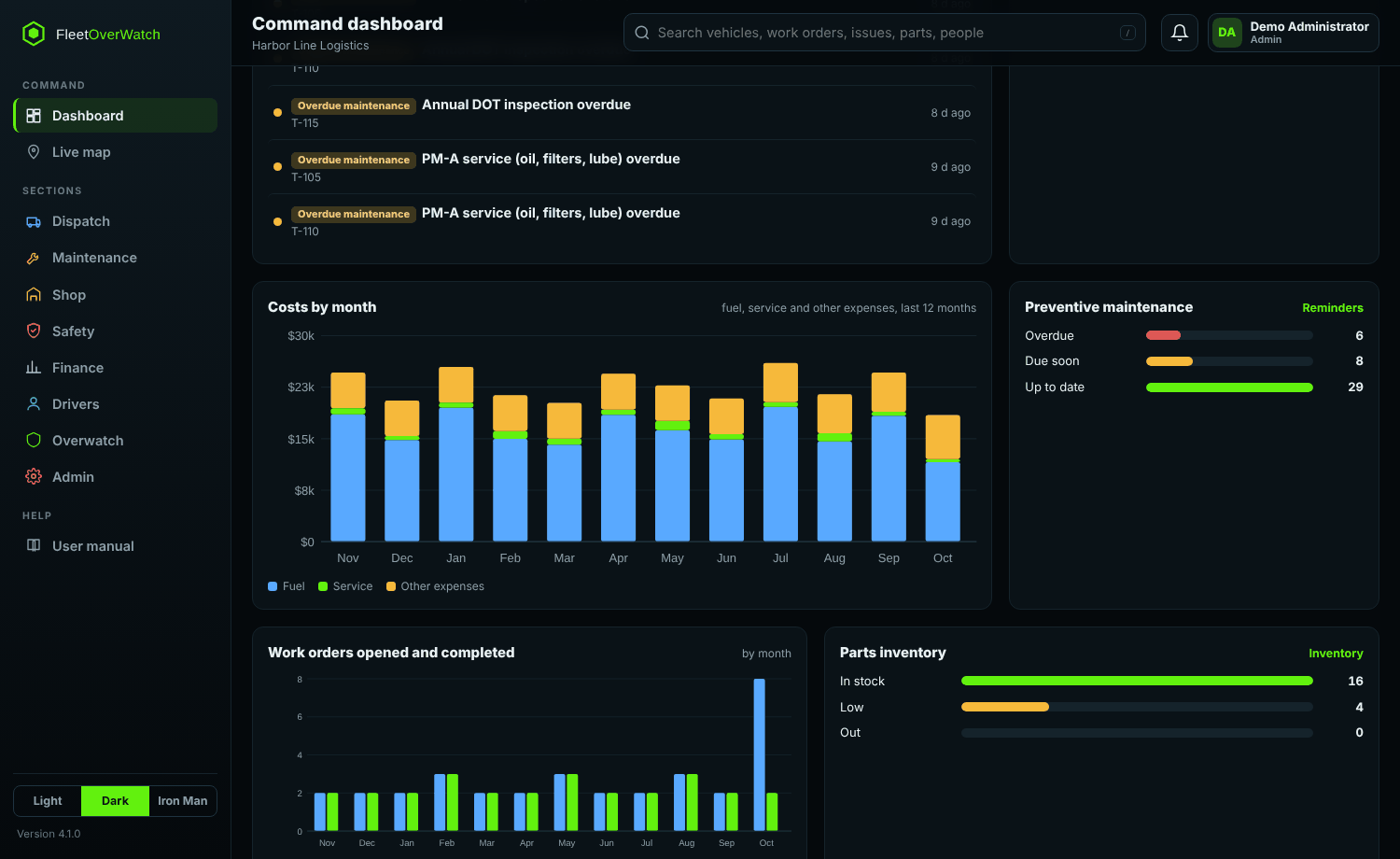
The dashboard counts everything from your own records and links straight to them:
- Total fleet, vehicles in service and units out of service
- Open issues and open work orders, with high priority called out
- Overdue preventive maintenance and service coming due
- A ranked list of what needs attention now: critical defects, emergency repairs, parts short for a repair
- Costs by month, work orders opened and completed, parts inventory status
- Recent issues, work orders, inventory movements and live fleet activity
Platform overview
Built around how a fleet actually works
One system of record, fed by the tools you already use.
Sources
Samsara telematicsDriver inspectionsFleetio (optional)NHTSA VIN dataImports and webhooksTeams
DispatchMaintenance and shopInventory and purchasingSafety and DOTFinanceAdministrationYour own private account
Each company gets its own Fleet Overwatch with its own sign-ins, logo and records, kept apart from every other company. Export your records to CSV or Excel at any time.
Role-based access
Admins, managers, dispatch, shop, safety, finance, drivers and viewers each see their own section. Two-step sign-in for privileged accounts and a full audit trail.
Works on every screen
Desktop, tablet and phone layouts, light and dark themes, and a driver view for inspections and route planning on the road.
Why teams use it
Less switching, more visibility
- Faster access to the information people ask for every day
- Clear view of what maintenance is due, overdue or in progress
- Repair work organized from defect to work order to return to service
- Parts tracked from purchase order to the truck they went on
- One place instead of several systems and spreadsheets
- Downtime and maintenance cost visible by unit, month and reason
Explore the Demo Instantly — No Account Required
Launch the Fleet-OverWatch demo immediately without registering, or create your own dedicated company account. Configure your Fleet-OverWatch environment with customized company branding, individual team logins, and role-based permissions. Get started using a preconfigured sample company or build your fleet management environment from the ground up. Connect your own Samsara account and integrate with your existing fleet management software for seamless data synchronization and a smooth transition to Fleet-OverWatch.
The Android app (Android 7 and later, phones and tablets) opens your company's Fleet Overwatch with the same sign-in. After downloading the .apk, open it and allow installing from this source when Android asks.